Sales pipeline
From 'for sale' to sold, without losing track of a buyer.
Mark birds for sale with an asking price, reserve them for buyers with a deposit, keep a waitlist of interested buyers and record every sale.
4 steps, straight from the app
- 01
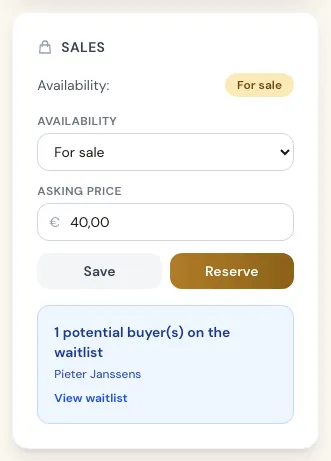
Put a bird up for sale
Set a bird's availability to for sale and add an asking price. When the bird matches someone on your waitlist, its page tells you.
- 02
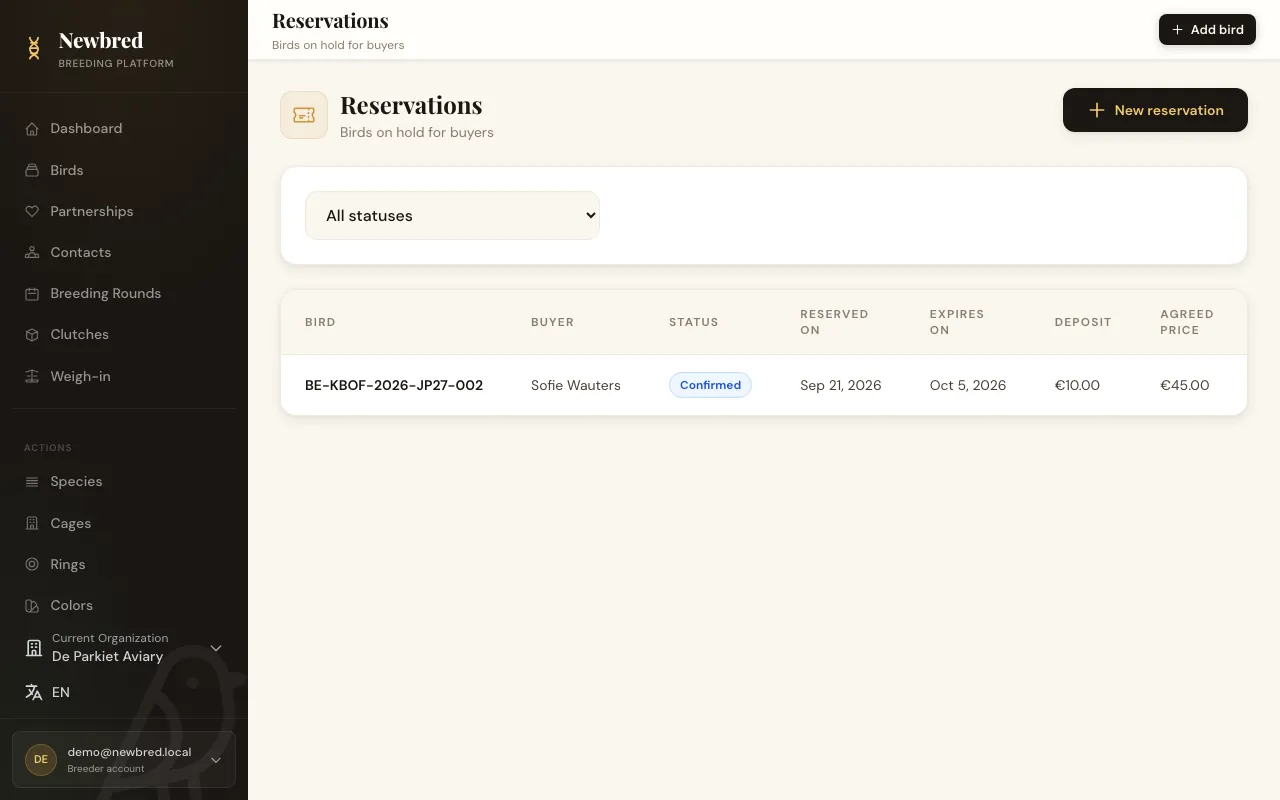
Reserve it for a buyer
Reserve a bird for one of your contacts with a deposit, an agreed price and an expiry date. Reservations go from pending to confirmed to completed and expire automatically once their date has passed.
- 03
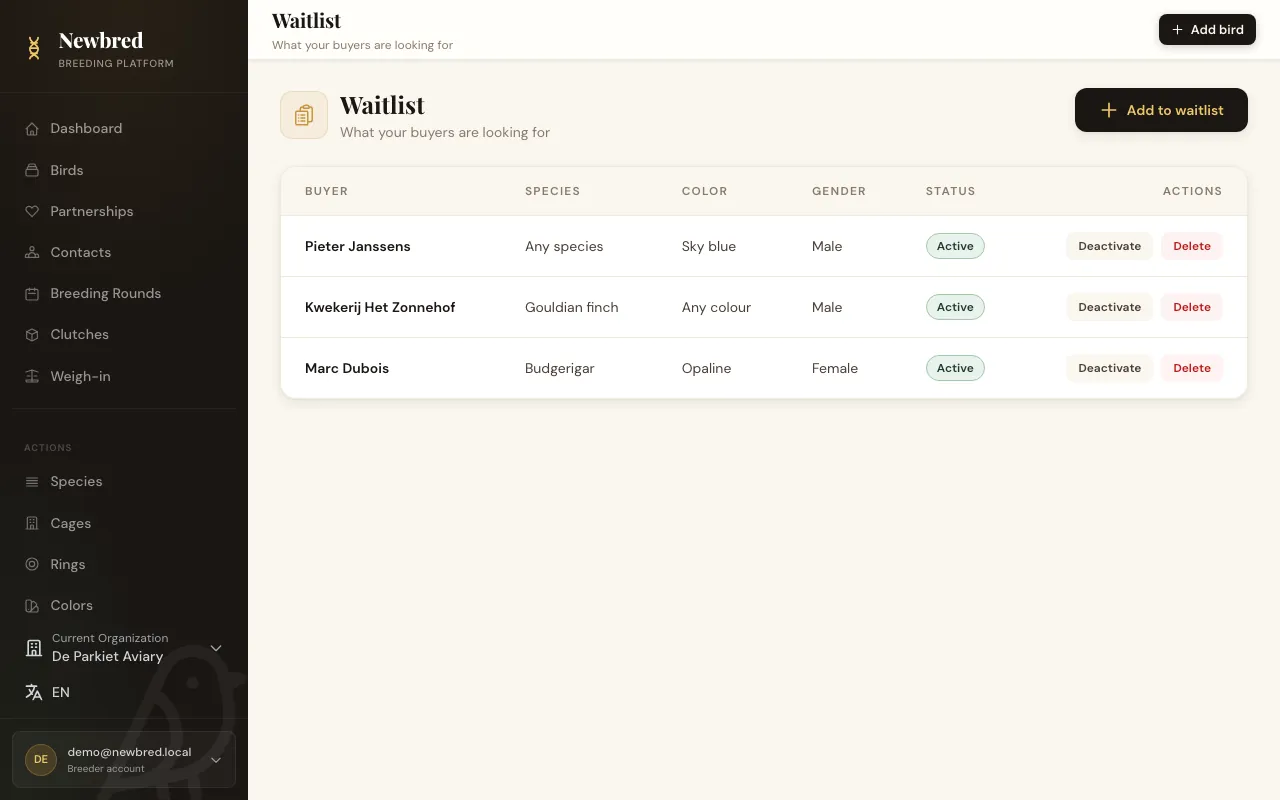
Keep a waitlist
Note which buyer is looking for which species, colour and sex, so you know whom to call when a matching bird becomes available.
- 04
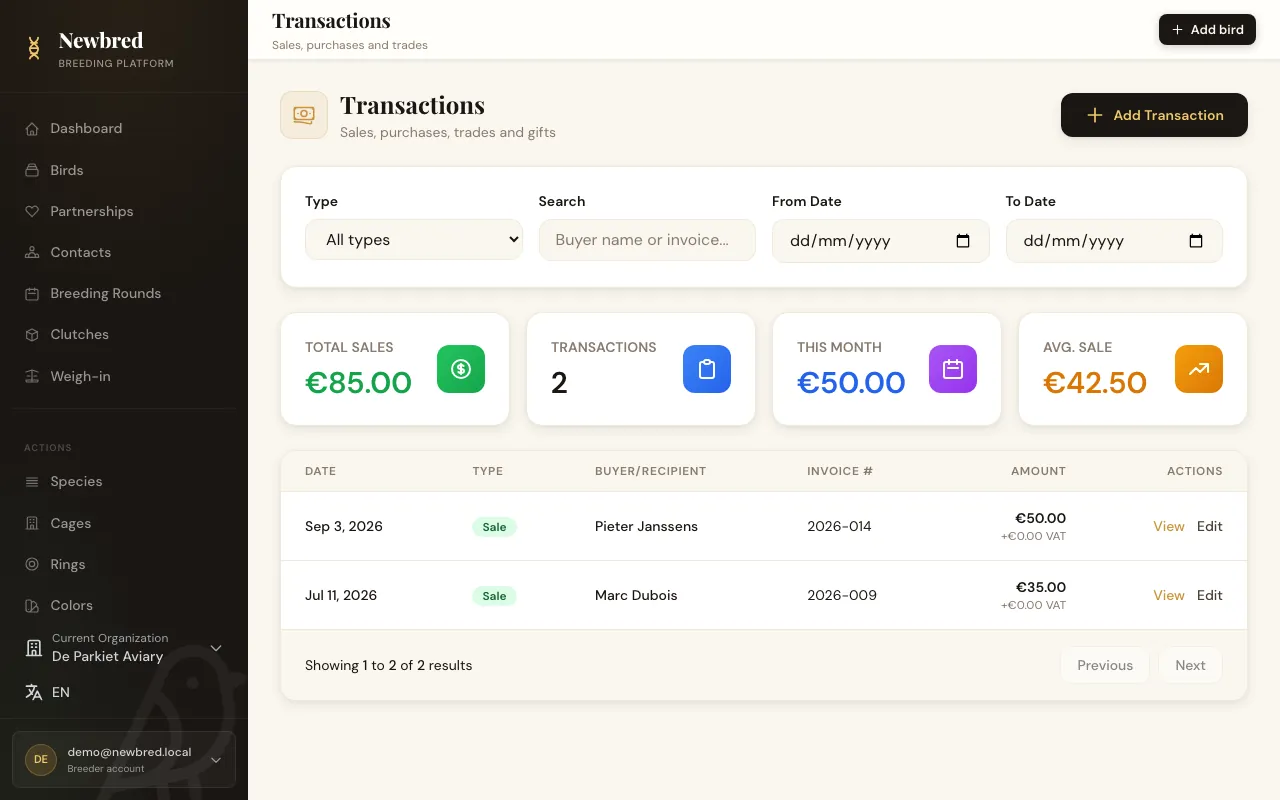
Record the sale
Completing a reservation records the sale. Transactions cover sales, trades and gifts, with the buyer, the amount, VAT and invoice number.
Key capabilities
- Availability per bird: not for sale, for sale, reserved or sold
- Reservations with deposit, agreed price and expiry date
- Expired reservations released automatically every day
- Waitlist matches shown on the bird's page
- Sales, trades and gifts with VAT and invoice number
Included in
- Hobby Breeder
- Pro Breeder
- Business
- Starter
- Hobby Breeder
- Pro Breeder
- Business
Try it with your own birds
Start on the free Starter plan. No credit card needed, upgrade whenever you are ready.